Revision poster: the four EKS compute models.
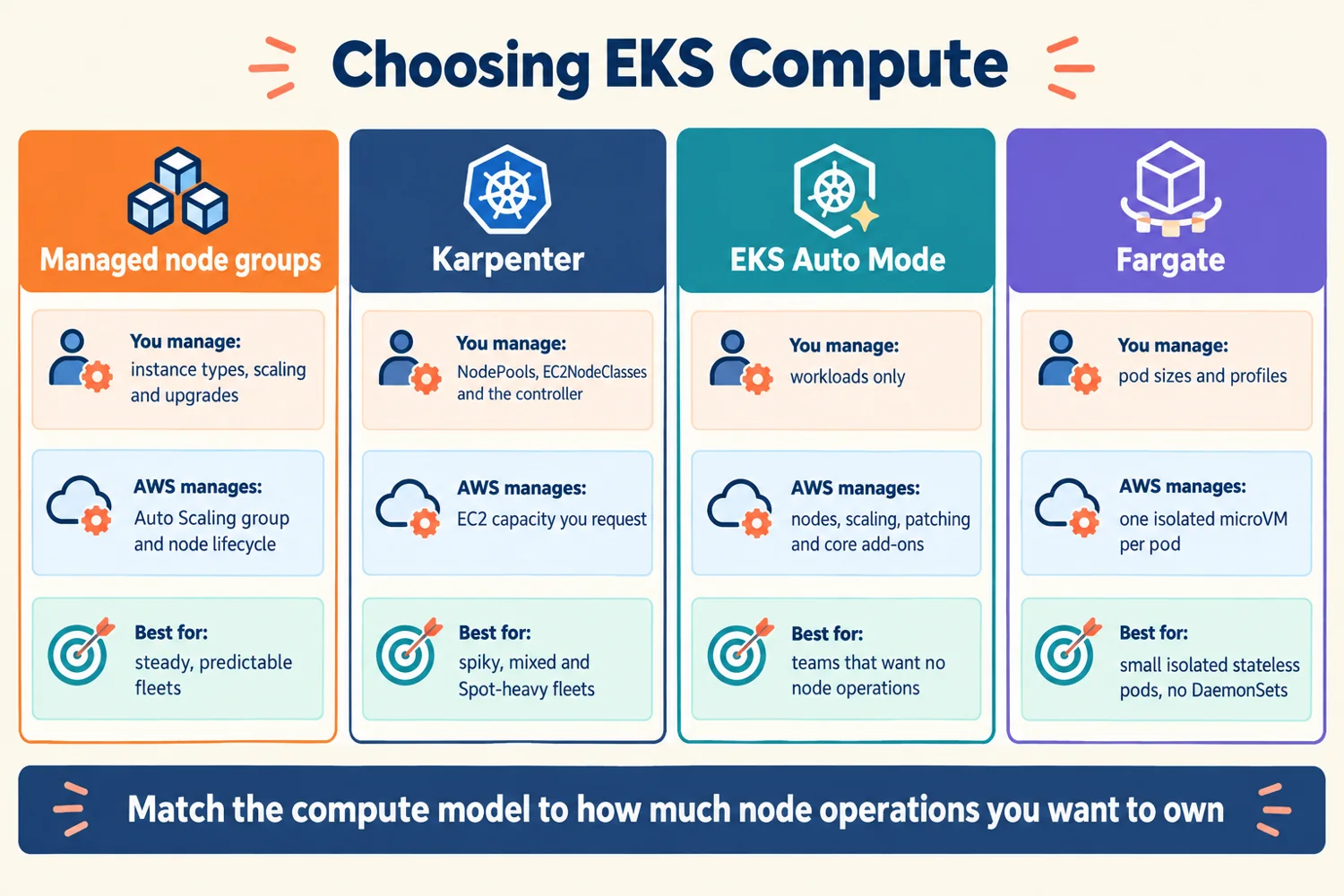
Read each column from top to bottom: your job, AWS's job, and the best-fit situation.
- 1Managed node groups: you choose instance types, scaling and upgrades; AWS runs the Auto Scaling group and node lifecycle.
- 2Karpenter: you run it and write NodePools; it launches right-sized EC2 just in time and consolidates.
- 3Auto Mode: AWS runs nodes, scaling, patching and core add-ons; you run workloads.
- 4Fargate: one isolated microVM per Pod; no DaemonSets or hostNetwork.
- 5Harden any EC2 node: IMDSv2 required, minimal OS such as Bottlerocket.
Self-check: cover the poster and answer
- Why can Karpenter pick instances that a node group cannot?
- What must a Pod do to survive a Spot interruption?
Match the compute model to how much node operations you want to own.